The screen you already own. Free.
Yourfamily’scommandcenterisalreadyinyourlivingroom.
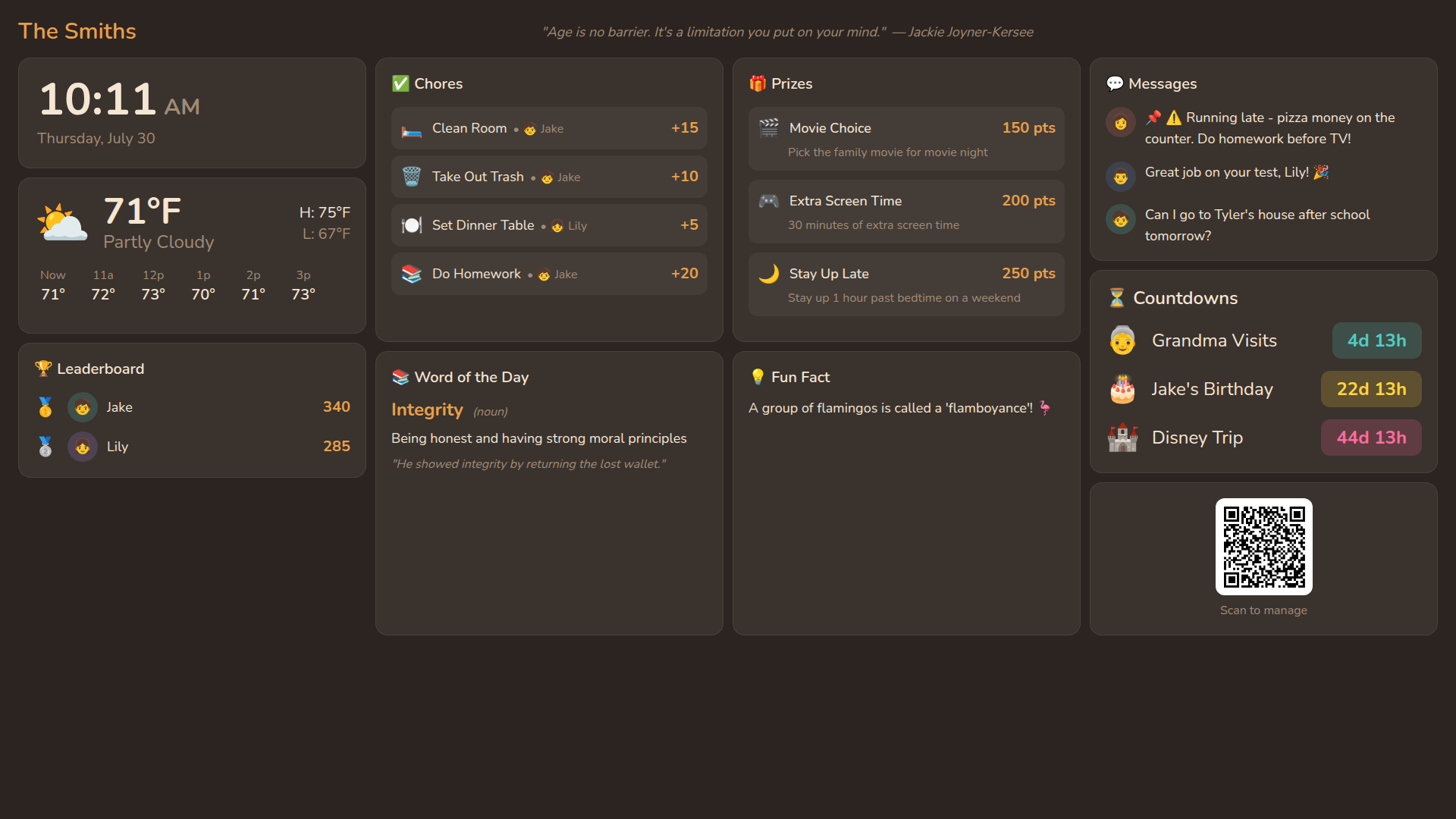
No new gadget to buy, mount, or charge. SmartFamily turns the TV that's already in your living room into a shared family hub — chores, meals, messages, photos, and real multiplayer game nights — controlled from the phone that's already in your pocket.
The category's blind spot
Everyone else wants to sell you a screen.
The other family-hub gadgets on the market are touchscreen tablets you buy, mount, and charge. SmartFamily works with the one you already have — and it's the biggest one in the house.
Cost
Screen size
Where it lives
What it does
Setup
What nobody else builds
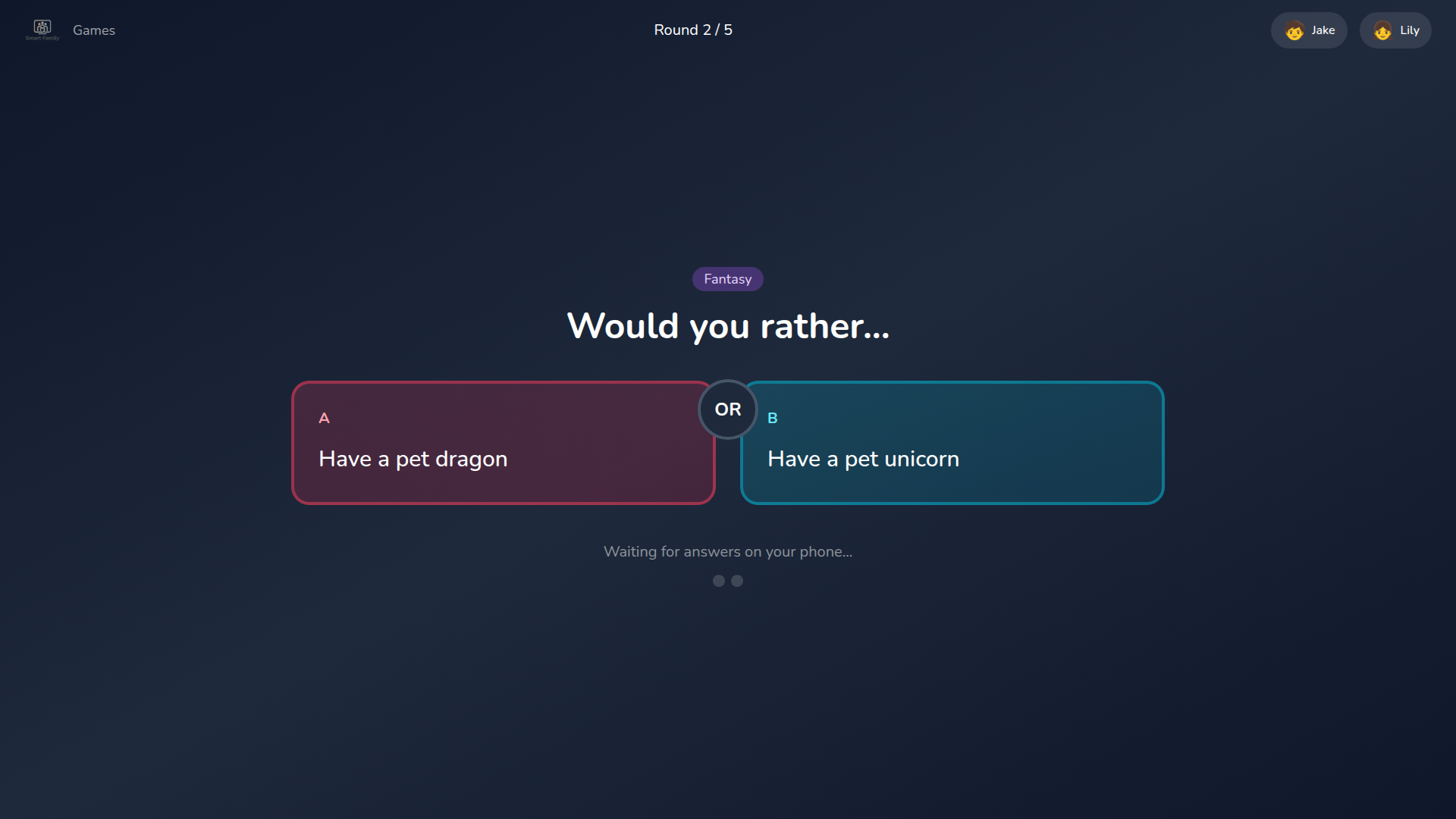
Actual family game night, not just a chore chart
Trivia, drawing games, tug-of-war, would-you-rather — 20+ multiplayer games built for the TV, controlled from everyone's phone at once. It's the difference between a screen that organizes your family and one the whole family actually gathers around.
What's on the screen
Everything the family fridge used to hold
Except it updates itself, everyone always sees the latest version, and nobody has to write it by hand.
Chores & Rewards
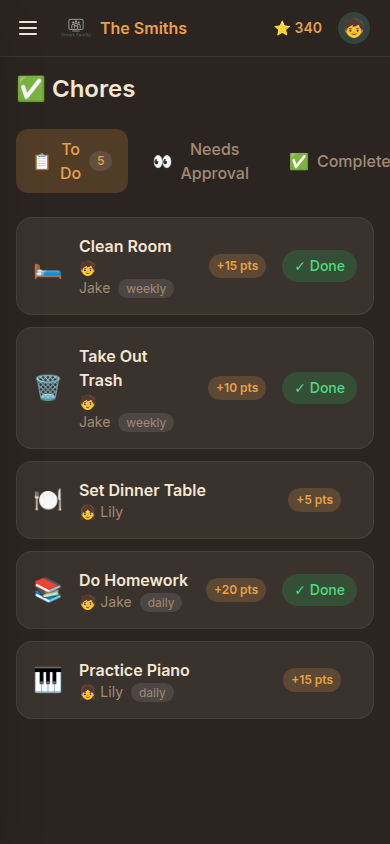
Chores kids actually want to finish
Every completed chore earns points on the spot, with streaks and a family leaderboard right on the TV. Points redeem for rewards parents set — extra screen time, movie picks, staying up late.
TV Dashboard
One glance, everything that matters
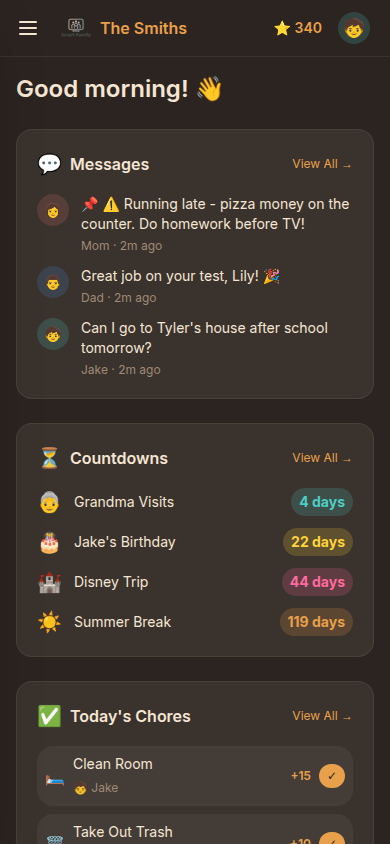
Weather, today’s chores, the family leaderboard, upcoming events, and messages from everyone — always visible, always current, no app to open.
Three steps, once
Set up before the popcorn's ready
No accounts to create for the kids, nothing to install on the TV besides the app itself.
Scan the code
Open SmartFamily on your TV, scan the QR code with your phone — no download, no account setup for kids.
Pick your profile
Everyone gets their own PIN-protected profile. Parents manage; kids play, complete chores, and send messages.
It just stays in sync
Chores, messages, photos, and game nights update instantly on the big screen — no refreshing, no waiting.
We believe technology should bring families closer, not sell them another thing to plug in.
The Smart Family Mission
Before you ask
Questions, answered
Do I need to buy a new screen or tablet?
No. Smart Family runs on the TV you already have in your living room — Android TV, LG webOS, or any smart TV with a browser — plus the phones your family already carries. There’s no dedicated touchscreen to buy, mount, or charge.
How is this different from Skylight Calendar or Hearth Display?
Skylight and Hearth are dedicated touchscreen tablets that cost $150–$300+ and only work on their own hardware. Smart Family is free and works on the TV and phones you already own, and it adds real multiplayer party games (trivia, drawing, tug-of-war, would-you-rather) that neither of those products offers.
Is Smart Family free?
Yes, Smart Family is free to start with no credit card required. Set up takes a few minutes by scanning a QR code on your TV with your phone.
Can kids use it without their own email or account?
Yes. Each family member gets a PIN-protected profile instead of a full account, so kids can check off chores, play games, and send messages without needing an email address of their own.
What can my family actually do with it?
Track and reward chores with points, plan meals, share a family message board and countdowns, display shared photos, and play 20+ multiplayer games together on the TV, all controlled live from everyone’s phone.
Your TV is ready. Are you?
Free to start, set up in minutes, no new hardware required.